If you run a startup, you already know that making video content can take much more time than expected.
You need an idea. Then a hook. Then a script. Then you have to record something, edit it, add captions, find visuals, and finally post it. By the time the video is ready, you may already be thinking about the next one.
This is where AI video tools can help.
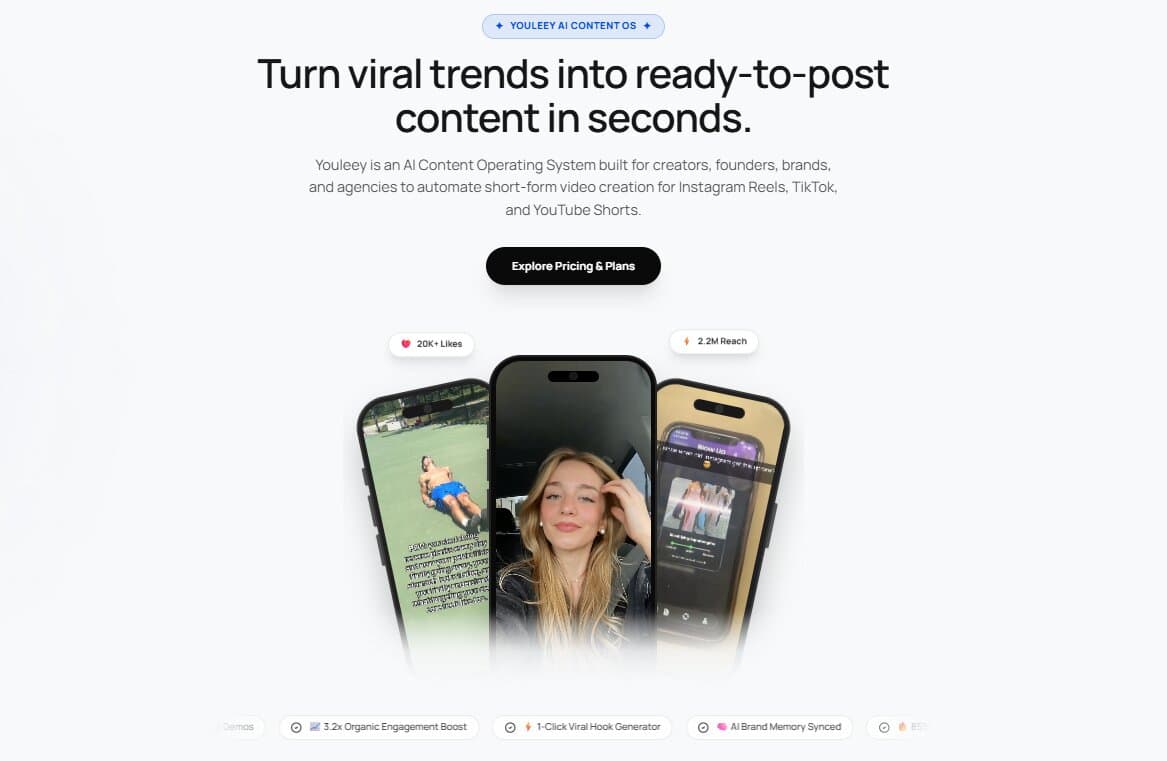
Tools like Youleey are built around a simple idea: you should spend more time thinking about your product and less time fighting with the video editing process.
But there is a problem.
There are now hundreds of AI video tools. Some create videos from text. Some generate realistic people. Some edit existing footage. Others help with scripts or turn long videos into short clips.
So what should a startup actually use?
More importantly, what should you skip?
Start with the type of video you need
The biggest mistake is choosing an AI video tool before deciding what you want to make.
A startup may need several types of videos, but they do not all need the same tools.
| What you want to create | What you should look for |
|---|---|
| Product demo | Screen recording, hooks, simple editing |
| TikTok, Reels or Shorts | Strong hooks, fast editing and captions |
| Founder video | Script help and simple editing |
| Product launch video | Visual generation and editing |
| Explainer video | Script, voice and visuals |
| Content from existing videos | Clipping, captions and repurposing |
| UGC style content | Creator style videos, hooks and product demos |
The goal is not to find one tool that does everything.
The goal is to build a simple workflow that lets you create useful content consistently.
What actually matters in a startup video
A startup video does not need to look like a movie.
In fact, spending hours trying to make every video look perfect can slow you down.
What matters more is whether someone understands the video quickly.
A good startup video usually needs three things.
1. A strong opening
The first few seconds matter.
You need to give people a reason to keep watching. That could be a question, an interesting result, a problem, a surprising statement or a quick look at the product.
This is one area where AI can be genuinely useful. Instead of staring at a blank page, you can study existing videos, find common hook structures and create different versions for your own product.
Youleey, for example, lets users analyze reference videos and break down their hooks, spoken content and visual setup. Those ideas can then be used to create scripts and video concepts for a specific brand.
2. Show the product
This is especially important for SaaS startups and apps.
Do not spend the entire video talking about what your product does.
Show it.
A simple screen recording of the product can often explain more than a long explanation.
A useful format is:
Hook → Product demo → Result → Simple call to action
This is also one of the formats available in Youleey's Content Studio. The idea is to connect an attention grabbing opening with an actual product demonstration instead of creating a video that looks impressive but says very little.
3. Make enough of them
One great video is nice.
But startups usually need a steady flow of content.
You will not know which idea works until you test different hooks, topics and formats.
That means the real advantage of AI video tools is not simply making one video faster.
It is making it easier to test more ideas.
Where different AI video tools fit
Not every AI video tool solves the same problem.
CapCut
CapCut is useful when you already have footage and want to turn it into a short social video quickly.
It is particularly useful for trimming clips, adding captions and making basic social edits.
If you already record your own videos, a tool like this can be enough for the editing part of your workflow.
Descript
Descript takes a different approach.
It is useful for talking head videos, podcasts, interviews and longer recordings because you can edit the video through its transcript.
This can save a lot of time when your main problem is cutting down something you have already recorded.
Runway
Runway is more focused on generating and transforming visual footage.
It makes more sense when you need visuals that are difficult or impossible to film yourself.
For example, a startup launching a creative campaign may want generated scenes or visual effects that would otherwise require a production team.
It is not necessarily the first tool you need for a simple product demo.
Canva
Canva is useful when your video work is closely connected to your other marketing assets.
If your startup already uses it for presentations, social posts, graphics and brand assets, using its video features can keep more of your work in one place.
Youleey
Youleey sits in a slightly different part of the workflow.
Instead of only asking, "How do I edit this video?" the focus is also on deciding what video to make in the first place.
You can add your website or brand information, analyze reference videos, create hooks and scripts, and generate formats such as Hook plus Demo videos, videos with text and carousels.
That can be useful for startups that do not have a full content team.
The important difference is that the workflow starts with content ideas and proven formats, rather than simply giving you another blank video editor.
What you should probably skip
AI makes it very easy to add things to a video.
That does not mean you should.
Skip unnecessary AI effects
A video does not become better because it has ten AI effects.
If an effect does not help explain the product or keep attention, remove it.
Skip generic AI scripts
AI can write a script in seconds.
That does not mean the script will sound like you.
Generic lines such as "Are you ready to transform your business?" can make a startup video feel like an advertisement immediately.
Give the AI real information about your product, audience and brand voice. Then edit the result so it sounds like something a real person would say.
Skip trying every new AI video tool
This is an easy trap.
You find a new AI video generator, test it for an hour, find another one, test that one, and suddenly you have spent half a day making no content.
Pick a small set of tools based on your actual workflow.
For example:
Research and ideas → Youleey
Recording → Your phone or screen recorder
Editing → CapCut or Descript
Special visual generation → Runway
You may not even need all four.
The part AI cannot solve for you
AI can make video production faster.
It cannot decide what your customers actually care about.
That still requires you to understand your audience.
Before making a video, ask:
• What problem does this solve?
• Who has this problem?
• What would make them stop scrolling?
• Can I show the product instead of explaining it?
• What would make someone share this?
• What can I test in the next video?
These questions are more important than which AI model generated the video.
A simple startup video workflow
You do not need a complicated production system.
Try this:
Step 1: Find a format
Look at videos already working in your niche.
Step 2: Study the hook
Look at what happens in the first few seconds.
Step 3: Create your version
Keep the basic structure but make the topic relevant to your product.
Step 4: Show the product
Use a screen recording, product footage or a simple demo.
Step 5: Edit quickly
Remove anything that does not add value.
Step 6: Publish
Do not wait until everything is perfect.
Step 7: Learn from the result
Look at which hooks, topics and formats get attention.
Then make another version.
The real advantage of AI video creation
The biggest benefit of AI video is not that it can make a video without a human.
It is that it can remove some of the boring work between having an idea and publishing it.
For a startup, that can make a big difference.
You do not need a production studio to test a product idea on TikTok or Instagram. You do not need to spend an entire day editing every short video. And you do not need to create every script from a blank page.
But AI should support the content strategy, not replace it.
The startups that get the most value from these tools will probably not be the ones generating the most videos.
They will be the ones using AI to test better ideas, explain their products clearly and publish consistently.
That is where AI video creation actually starts to move the needle.