Creating a Reel that gets people to stop scrolling is not as easy as it looks.
You need a good idea, a strong opening, the right visuals, a simple story, and a reason for people to keep watching. Then there is the editing, captions, music, screen recordings, and posting.
This is why many creators and businesses struggle to post Reels consistently.
AI can make this process much easier.
Instead of starting every Reel from a blank screen, you can use AI to research content, find useful hook ideas, write scripts, create videos, and turn proven video formats into content for your own brand.
But there is one important thing to understand.
AI cannot guarantee that a Reel will go viral.
What it can do is help you create better content faster and give you more chances to find something that works.
What Makes a Reel Go Viral?
There is no single formula that guarantees viral content.
Platforms such as TikTok use many signals to decide what content to recommend. These include how people interact with a video and whether they watch it or skip it. TikTok also says that watch behavior can be an important signal when ranking content.
This means your goal should not simply be to make a video that looks good.
Your goal should be to make something that makes people want to keep watching.
A good Reel usually starts with three things:
A strong hook.
A clear idea.
A reason to keep watching.
For example, instead of starting with:
"Today I am going to show you our new product."
You could start with:
"I spent three hours doing this manually. Then I found a better way."
The second opening creates curiosity. The viewer wants to know what happened next.
Step 1: Find Ideas That Are Already Working
One of the hardest parts of creating Reels is finding ideas.
You do not always need to invent something completely new.
Look at videos that are already getting attention in your industry. Pay attention to their opening line, topic, structure, visuals, and storytelling.
The goal is not to copy the video.
Instead, ask yourself:
Why did this video catch my attention?
What happened in the first few seconds?
What problem does it talk about?
How did the creator explain the idea?
How was the product shown?
You can then take the basic idea and create your own version for your audience.
This is where AI can save a lot of time. Instead of manually studying dozens of videos, AI can help you break down video ideas and identify patterns that you can use in your own content.
Step 2: Create a Strong Hook
The first few seconds of a Reel matter a lot.
If the opening does not give people a reason to keep watching, they can simply scroll to the next video.
There are many types of hooks you can test.
You can start with a problem:
"Your Reels are not getting views for this reason."
You can create curiosity:
"I tested this for 30 days and did not expect this result."
You can challenge a common idea:
"Stop making Reels like this."
You can also show the result first:
"This is what happened after I changed one thing."
AI can help you create many versions of a hook so you can choose the one that fits your content best.
The important part is to make sure the hook matches the actual video. Do not promise something in the opening that the video does not deliver.
Step 3: Turn the Hook Into a Simple Script
Once you have your hook, the rest of the Reel should be easy to follow.
A simple structure is:
Hook
Get attention immediately.
Problem
Explain the problem your viewer understands.
Solution
Show what can solve the problem.
Proof or example
Show the result, product, process, or example.
Call to action
Tell the viewer what to do next.
You do not need a complicated script.
In fact, simple language often works better for short videos because viewers can understand the message quickly.
Step 4: Use AI to Create the Reel
This is where AI can save the most time.
Instead of writing a script, recording everything, editing clips, adding text, and creating different versions manually, you can use an AI video workflow to handle much of the production.
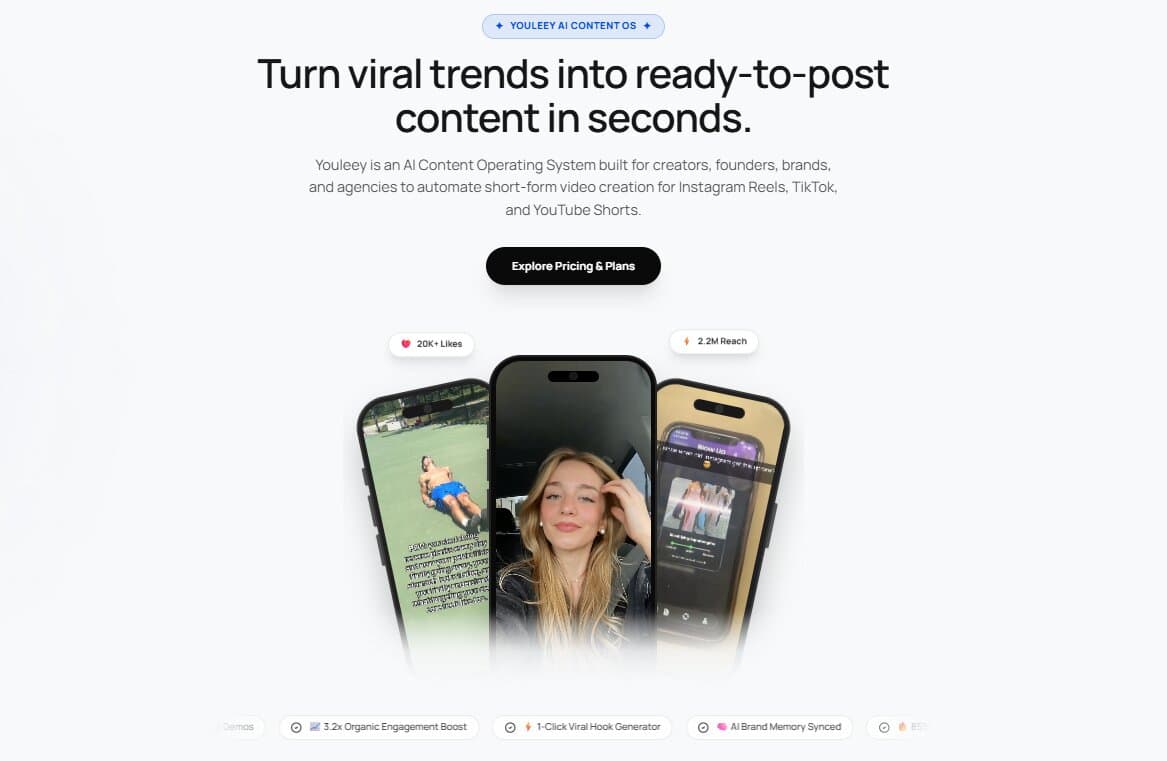
For example, Youleey lets you choose between different content workflows. You can create ready to post short videos or generate scripts for videos you want to film yourself.
Youleey also offers formats such as Hook + Demo, Video with Text, AI Presenter, and Carousels. Its Content Studio can generate short videos and product demos without requiring manual video editing.
This can be especially useful for SaaS companies, app founders, marketers, and creators who have a product to show.
You can start with your website or brand, choose a format, and use AI to create content around your product.
Step 5: Remix Videos Instead of Starting From Zero
One useful way to use AI is to remix ideas that are already working.
Youleey includes an AI Video Analyzer that can analyze Instagram and TikTok videos. It can identify things such as the visual hook, spoken content, camera setup, and structure. You can then use those ideas to create a new version for your own brand.
For example, imagine you find a Reel that explains a common problem in your industry.
Instead of copying it, you could use the same type of structure:
Problem → curiosity → explanation → product demo
Then change the message, examples, visuals, and product to fit your audience.
This gives you a starting point instead of staring at a blank screen.
Step 6: Make Your Product Part of the Story
If you are creating Reels for a business, do not make every video feel like an advertisement.
People usually want useful or interesting content first.
Your product can then become part of the story.
For example, a SaaS company could create a Reel like:
"Here is the boring task I stopped doing manually."
Then show the problem.
Then show the product solving it.
This type of content feels more natural because the product is being shown in context.
Youleey is built around this type of workflow. It can create Hook + Demo videos that combine an opening hook with a product screen recording.
Step 7: Create More Than One Version
Do not assume that your first Reel will be your best Reel.
Create different hooks for the same idea.
Try different openings.
Try a different first visual.
Try a shorter version.
Try a different way of explaining the same problem.
This gives you more opportunities to learn what your audience responds to.
AI makes this much easier because you can generate different scripts and content variations without rebuilding everything from the beginning.
Step 8: Post Consistently and Learn From the Results
Creating one Reel is not a content strategy.
You need to keep testing.
Look at which topics get attention.
Look at which openings make people continue watching.
Look at which videos generate comments, shares, clicks, or other useful actions.
Then use those lessons in your next videos.
Youleey also includes content scheduling for platforms such as Instagram, TikTok, and YouTube Shorts, helping creators manage the publishing side of their workflow.
The goal is not to let AI randomly create hundreds of videos.
The goal is to use AI to make the process of researching, creating, testing, and publishing content much faster.
How Youleey Helps You Create Reels With AI
If you regularly create short form content, the hardest part is often not the editing.
It is knowing what to create.
Youleey brings research, hooks, scripts, video creation, and content workflows into one platform.
You can add your website or brand, choose a content format, remix video ideas, create hooks, generate videos, and prepare content for social platforms.
It can also remember your brand information, including your audience, keywords, and competitors, so the content can be created around your business rather than being completely generic.
If you want to create Reels yourself, Youleey can help you with hooks and ready to film scripts.
If you do not want to spend hours editing videos, you can use its Content Studio to create ready to post content.
If you want to build this process around AI, Youleey can help you go from a brand or product idea to hooks, scripts, short videos, and social content in one workflow.